




Blazing Fast Screenshot Annotations
Snap a screenshot, drag with your mouse, then paste wherever you want (no copying required).
Free Forever, No Credit Card Required.
The Screenshot Tool You Didn't Know You Needed
For SaaS,support teams, product teams, sales teams, agencies and anyone who collaborates on digital products.
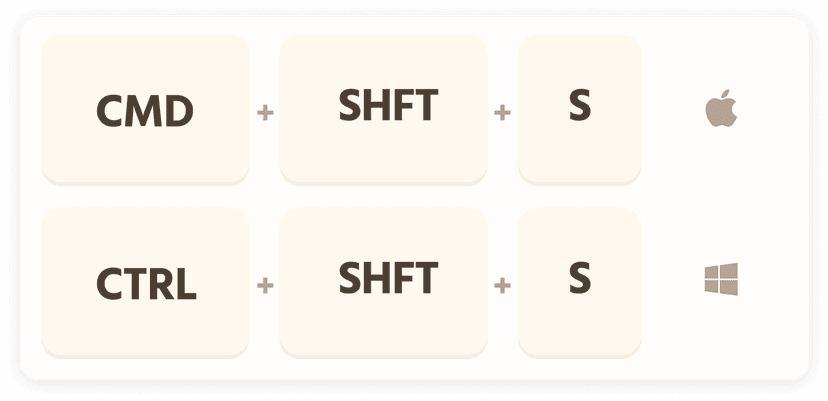
1. Press CMD + SHIFT + S
[CTRL + SHIFT + S] for Windows lovers. You can change this later.
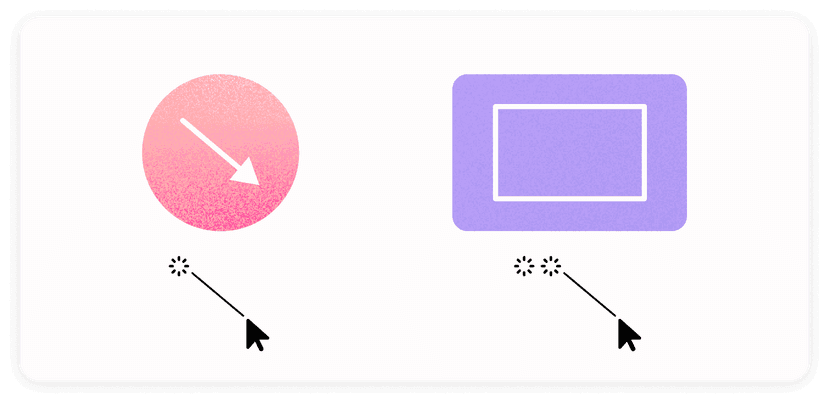
2. Drag to draw arrows
Draw directly on the captured screenshot. Double click then drag for rectangles.
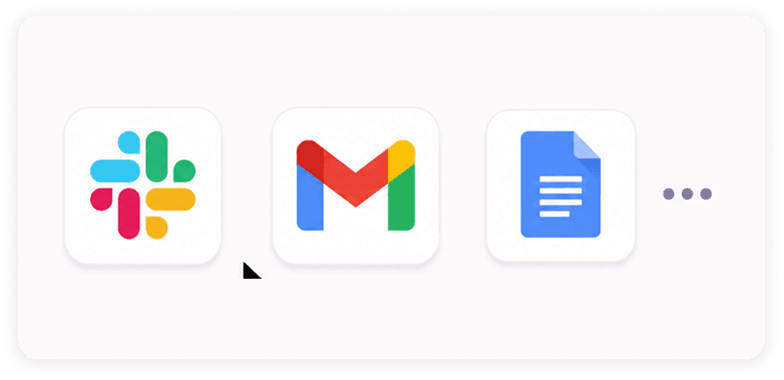
3. Paste! No Copying Required.
Your annotated screenshot is already on the clipboard—paste it into Slack, email, docs, or anywhere else.